

From Sign-Up
to Standing.
Four simple steps to start participating — create your account, reserve your Hx1, and take your place in the HubLink network.
 1
101 / 04
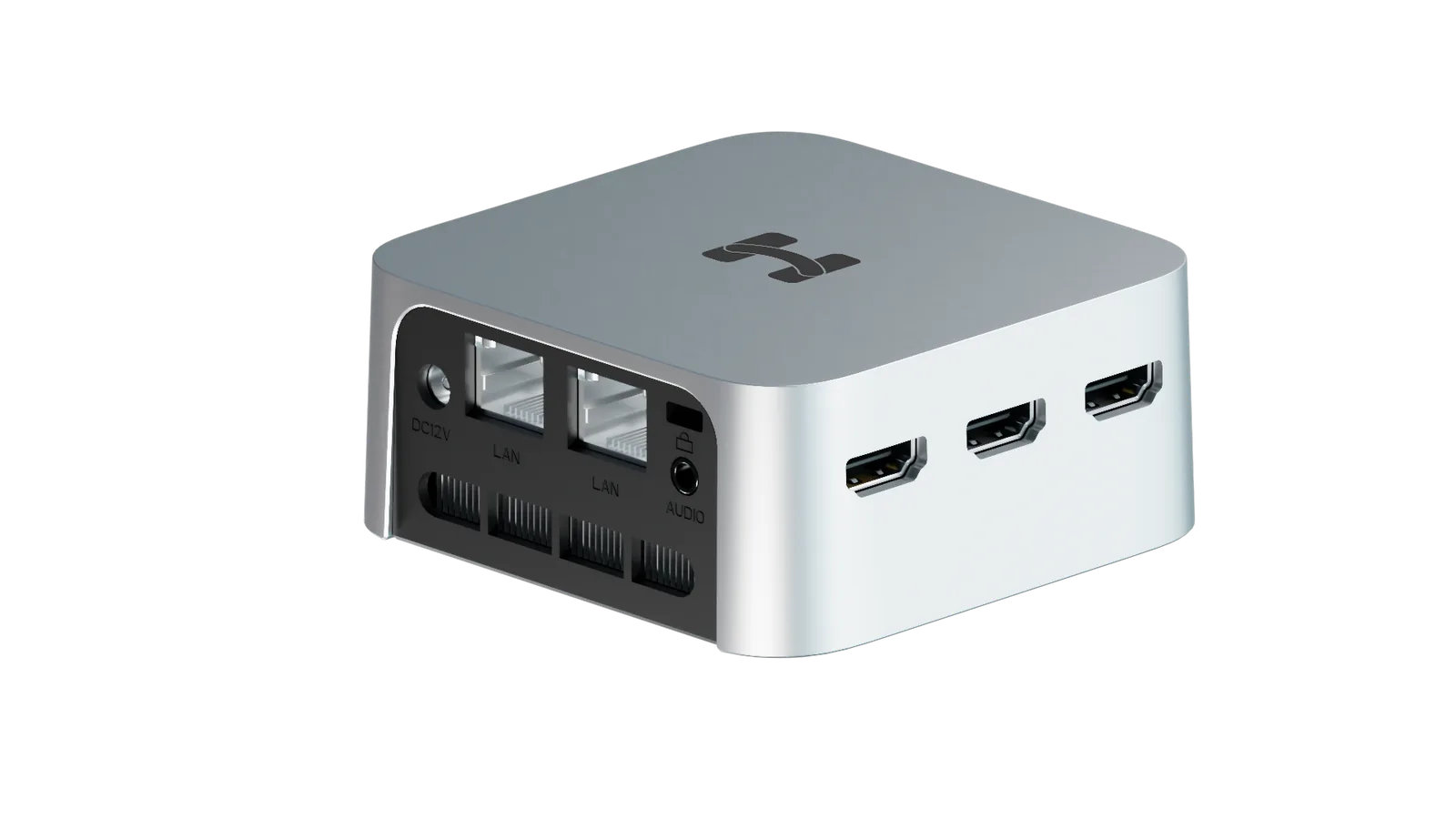
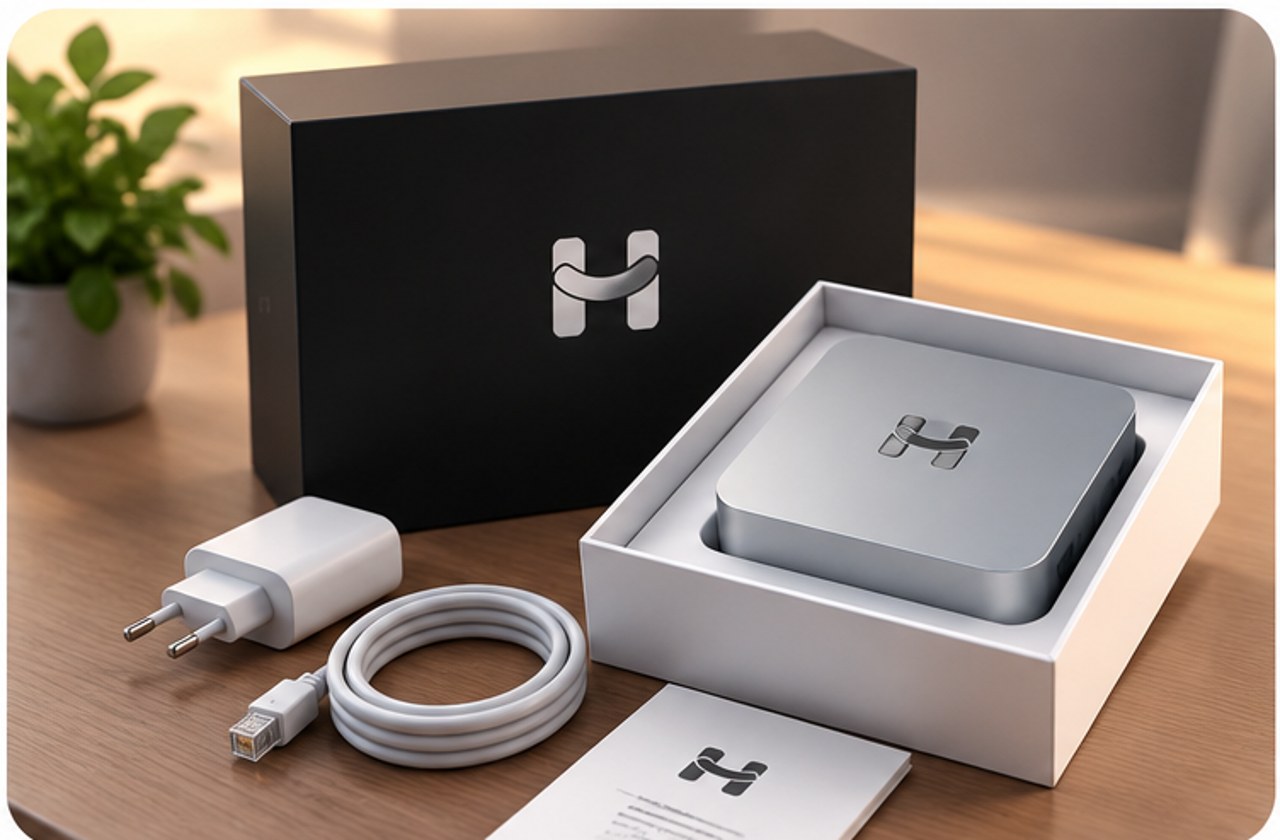
Order Your Hx1 Home-Station
Choose your device and Node Telemetry Licenses on the HubLink platform. Everything ships ready to use.
Image is purely illustrative. Actual shape, dimensions, finish and features may differ. Always refer to the official user manual.
 2
202 / 04
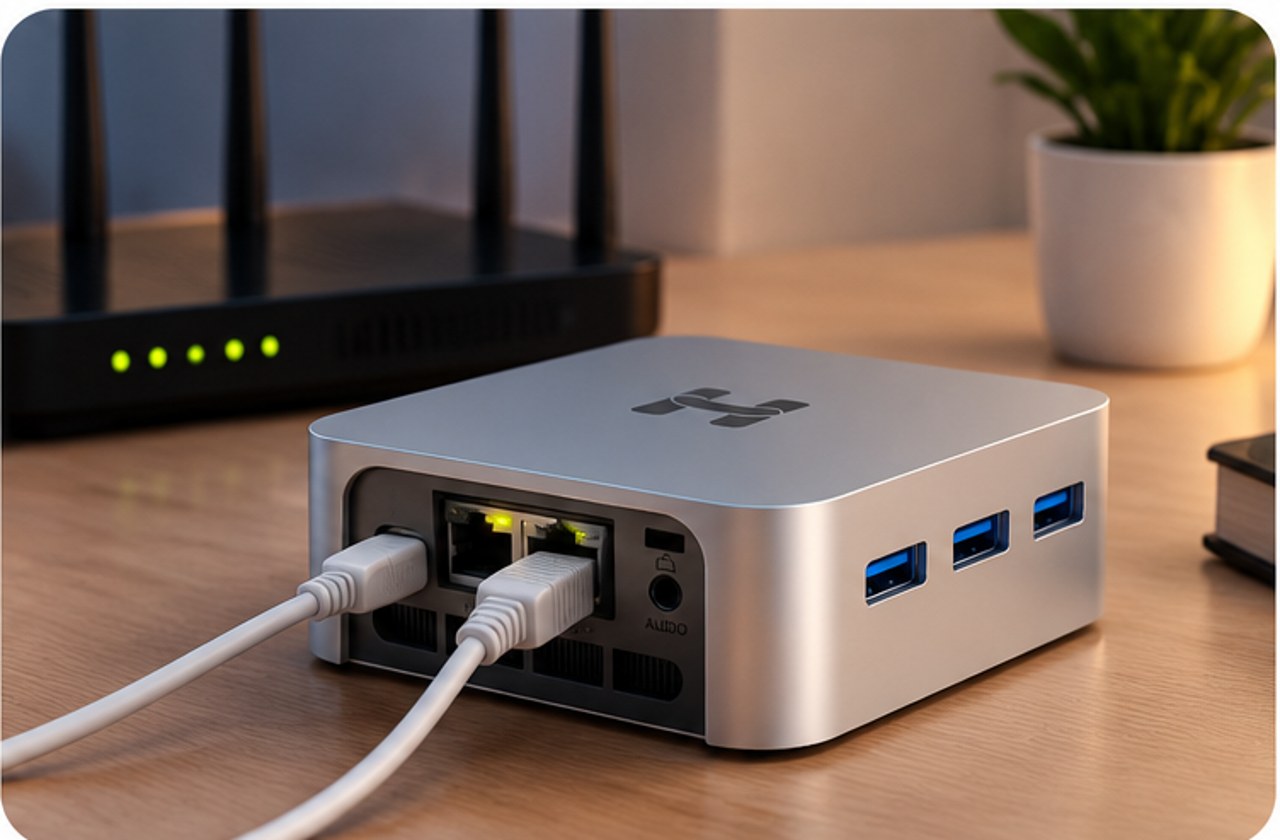
Plug It In and Connect
Connect the Hx1 to power and to your router with the included cable. No configuration required.
Image is purely illustrative. Actual shape, dimensions, finish and features may differ. Always refer to the official user manual.
 3
303 / 04
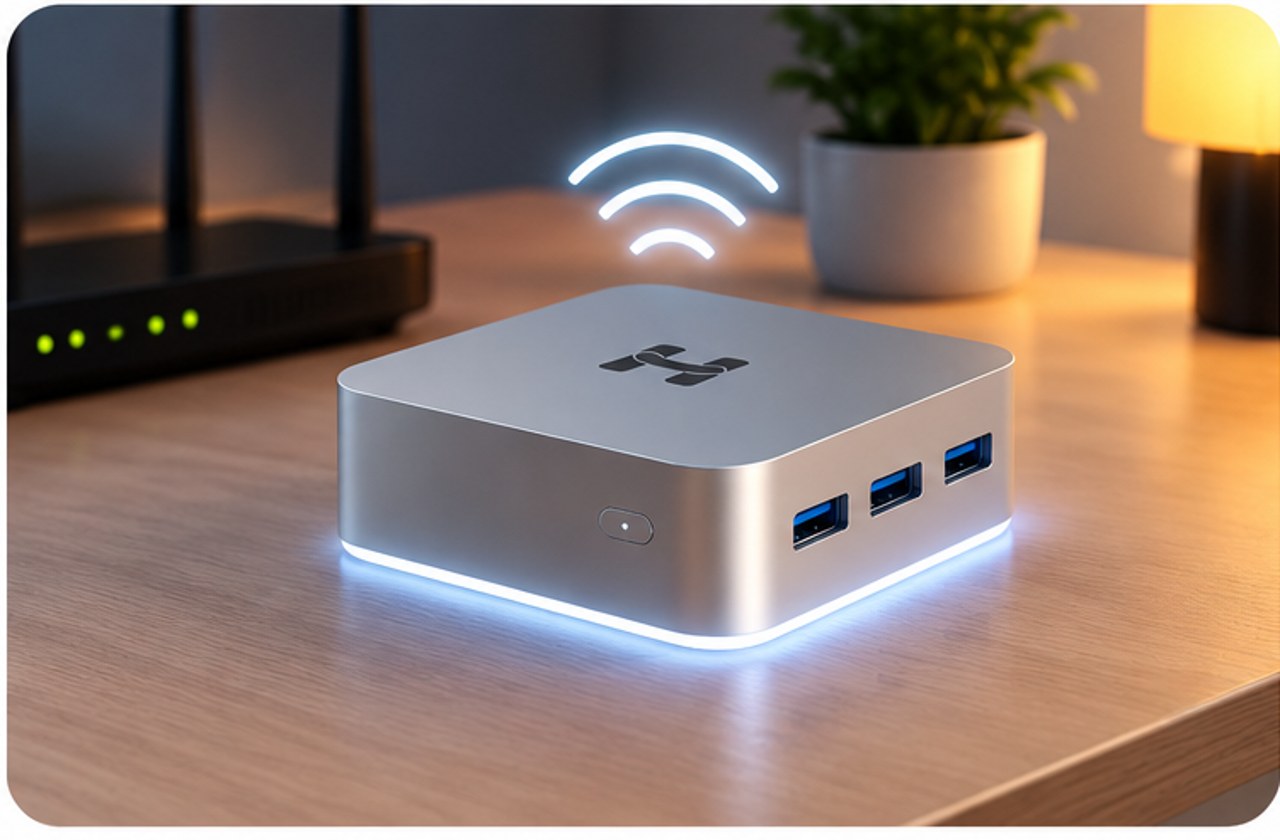
Activate Your Station
Enter the activation key from your confirmation email. Your Hx1 comes online and joins the global HubLink network.
Image is purely illustrative. Actual shape, dimensions, finish and features may differ. Always refer to the official user manual.
 4
404 / 04
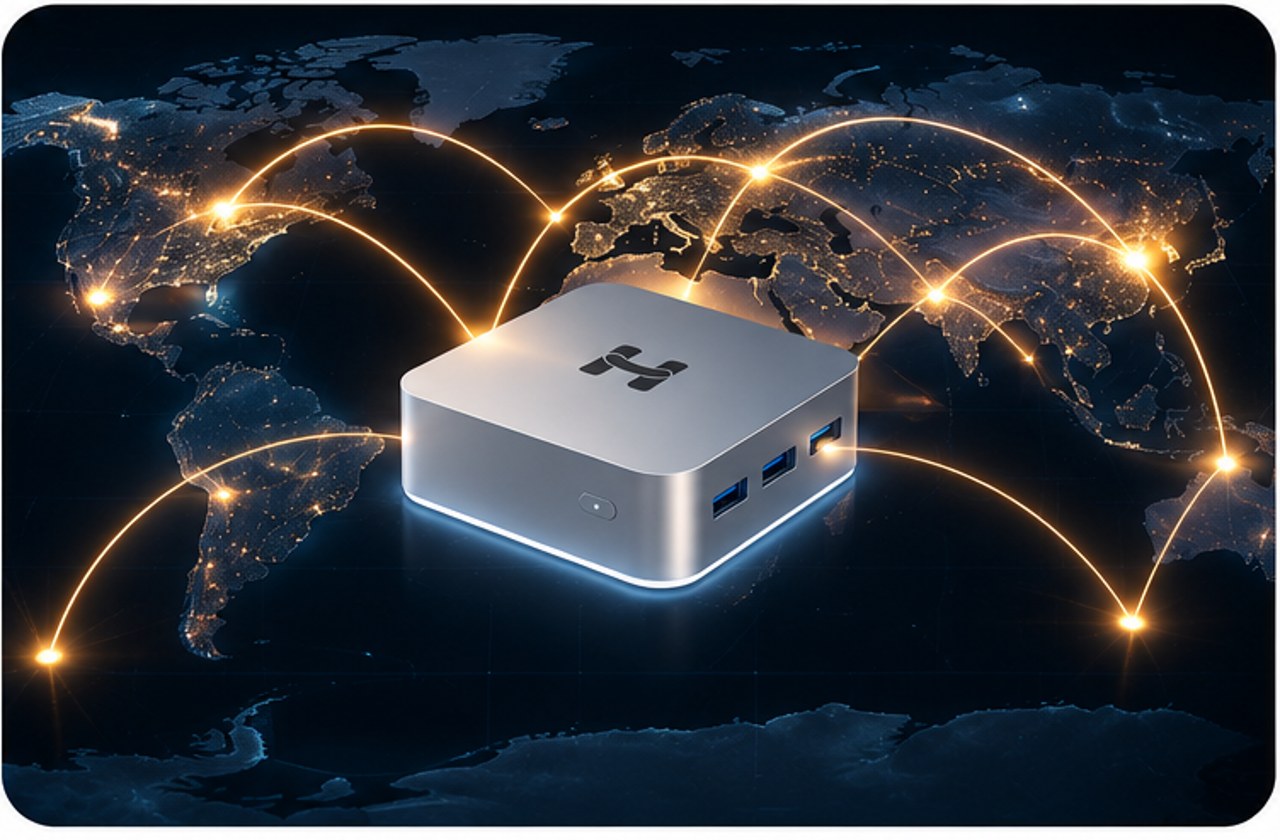
Start Receiving Daily Rewards
Once active, your contribution is measured continuously and your rewards are calculated every day.
Image is purely illustrative. Actual shape, dimensions, finish and features may differ. Always refer to the official user manual.
What to Expect
After You Plug It In
Fast Setup
Most participants are online within minutes of unboxing.
Always-On Status
Your dashboard shows your device's live status — Online, Rewards Active, and more.
Service availability, setup timing, and support coverage may vary by region.